Onboarding your member
The member can be redirected to different interfaces depending on the active features of the programme (the URL entry point does not change).
- If receipt scan is enabled and bank connection is activated, the member is redirected to a registration choice (manual, by scan, or automatic, by account linking).
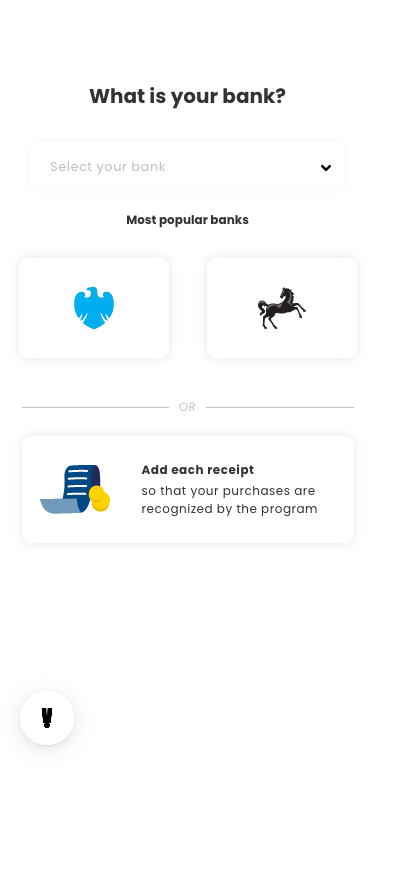
- If scan is not activated, the member is directly redirected to bank selection.
- Once the member is registered, they reach a success page, then are redirected to your own member area using the callback URL initially provided in the URL query string (
cb=your_callback_url).
URL access
Link: https://your-loyalty-domain.com/?mid=[your_mall_id]&cid=[your_customer_id]&cb=[your_callback_url]&lng=[language]&ted=[transactions_eligible_from_date]
mid- your identifier for the mall in your system.cid- your identifier for the member in your system.cb- the URL to redirect the member to at the end of onboarding.ted- optional. A Unix timestamp (in seconds) in the past, to allow eligible transactions from before the member's registration date.